How to get Cookie Monster back to Waze
Very often Waze users ask how to turn on the Cookie Monster voice, and if it is possible to do this
The Waze navigation app is convenient thanks to the settings, it can be adapted to your needs. One of the settings involves changing the assistant's voice. Using the options you can change the voice guidance. The app will inform you of the events in the voice you give it.
Very often Waze users ask how to turn on the Cookie Monster voice, and if it is possible to do this on iPhone or Android.
It is worst to say that the Cookie Monster feature was added to Waze not long ago. This was done to coincide with Cookie Monster's birthday. What's more, it's a feature, so it's quite possible that it may not be available at the moment - and you can check it out at the same time.
Where the Cookie Monster voice is available
Cookie Monster is currently available in the US and Canada. That hasn't changed as of 2022, and it's likely that the CM voice isn't available in other regions.
To activate Cookie Monster voice you will need to download a special language pack and change the voice through the settings. Here are the manual on how to do it.
How to enable Cookie Monster voice in Waze (howto)
Selecting the desired voice in Waze is quite easy. To do this:
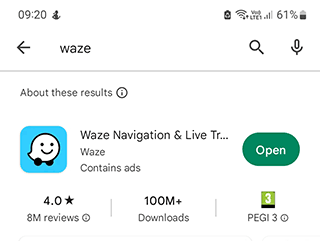
Step 1. Download Waze app.
Step 2. Launch the Waze on your mobile device.
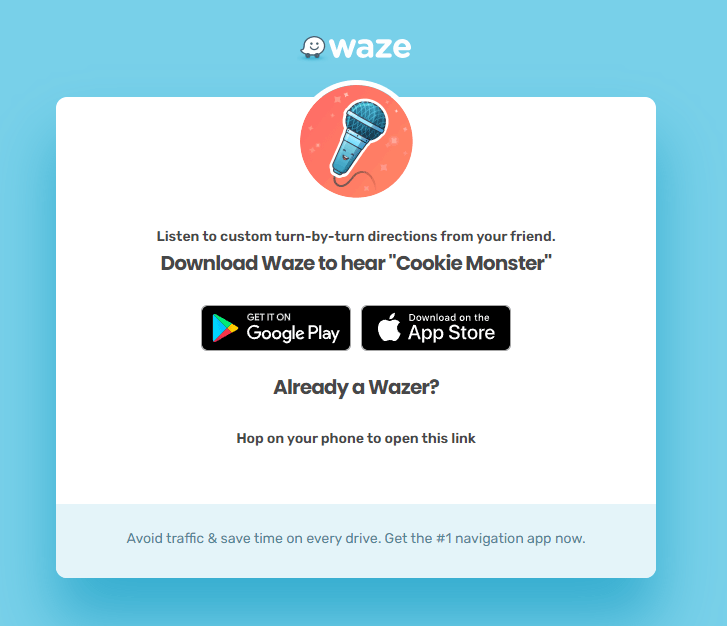
Follow the link on your mobile device
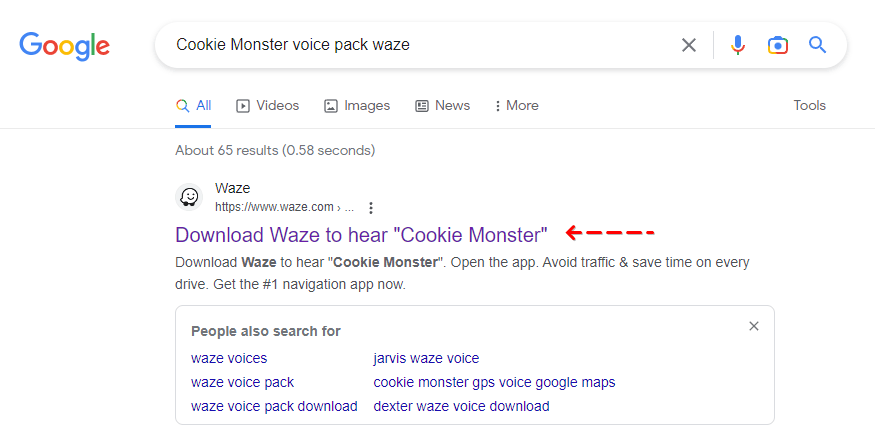
As an alternative, just type in Google Cookie Monster Waze voice and follow the first link.
Step 3. Tap the item to download Cookie Monster voice to your Waze.
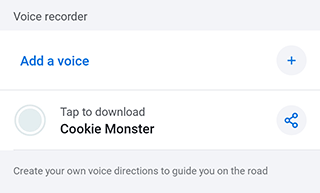
Go to Settings by tapping on My Waze -> Settings.


Step 4. Navigate to Voice and Sound to find the Audio Settings.
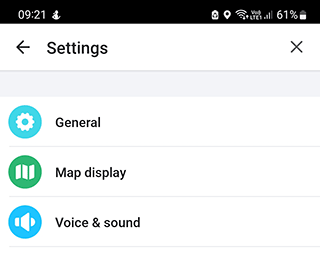
From the Add a voice section, activate Cookie Monster option.

Step 5. To see the list of options, tap on Waze Voice accordingly.
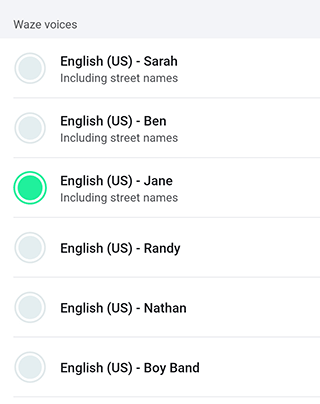
Step 6. Save the applied settings. You may have to restart the navigation device for Cookie Monster to hear the needed voice.
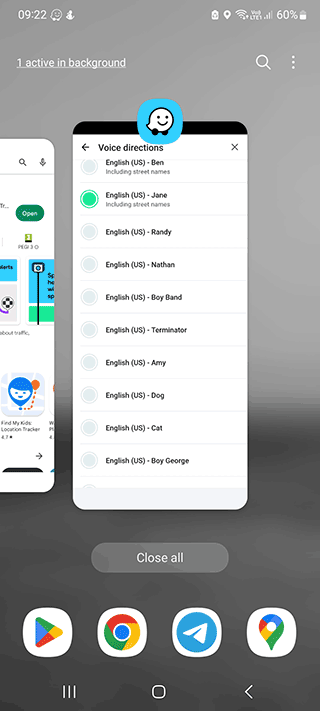
Waze offers many other voice options besides Cookie Monster. For example, it can be the voice of Johnny Depp, Chuck Norris, Arnold Schwarzenegger, Clint Eastwood, or other characters.
These options are available as downloadable voice packs. They can be activated the same way as described above. The user can also record their own voice and use it to dub events while navigating.
About Waze
Waze is a voice-activated navigator for mobile OS (Android and iPhone, iOS) developed by Google and supported by a community of users around the world (about 150 million subscribers). In 2013, Waze (an Israeli development) was purchased by Google.
Related guides
More useful articles from the Waze Guides & Troubleshooting topic.
- Does Waze Work Offline?
Learn how Waze works offline on Android and iOS. Understand what you can cache, how to prepare routes in advance, native cache-clearing methods, and when to use true offline alternatives like Google Maps or HERE WeGo.
- How to Change Waze Voices: Official, Funny, and Custom Voice Packs
Learn how to change the voice in Waze on iPhone and Android, what voice packs are still available, how custom voices work, and what to do if a voice pack doesn’t show up.
- How much data does Waze use on Android and iOS
Waze usually uses very little data for navigation, but the exact amount depends on how long you drive, how often the app refreshes traffic data, and whether you keep it running in the background.
- How to Access and Use Waze Satellite View
Waze does not offer a true satellite map layer. Here’s what that means in practice, how to check alternative apps like Google Maps and Apple Maps, and the fastest way to get satellite view when you need it.
- Waze Error Calculating Route: Why Waze Can’t Find Your Route and How to Fix It
Waze can’t find a route or shows “error calculating route”? Learn how to fix routing errors step by step: internet, GPS, long trips, app bugs and more.
About MyGpsTools Editorial Team
MyGpsTools publishes practical guides about GPS apps, maps, navigation tools, EXIF photo metadata, satellite imagery, Android Auto, Apple CarPlay, ZIP code maps, and location-based technologies. We focus on clear instructions, practical checks, official documentation, and reader feedback.